

Add this quick and easy campaign frame to your existing Facebook or Twitter Profile Pic.
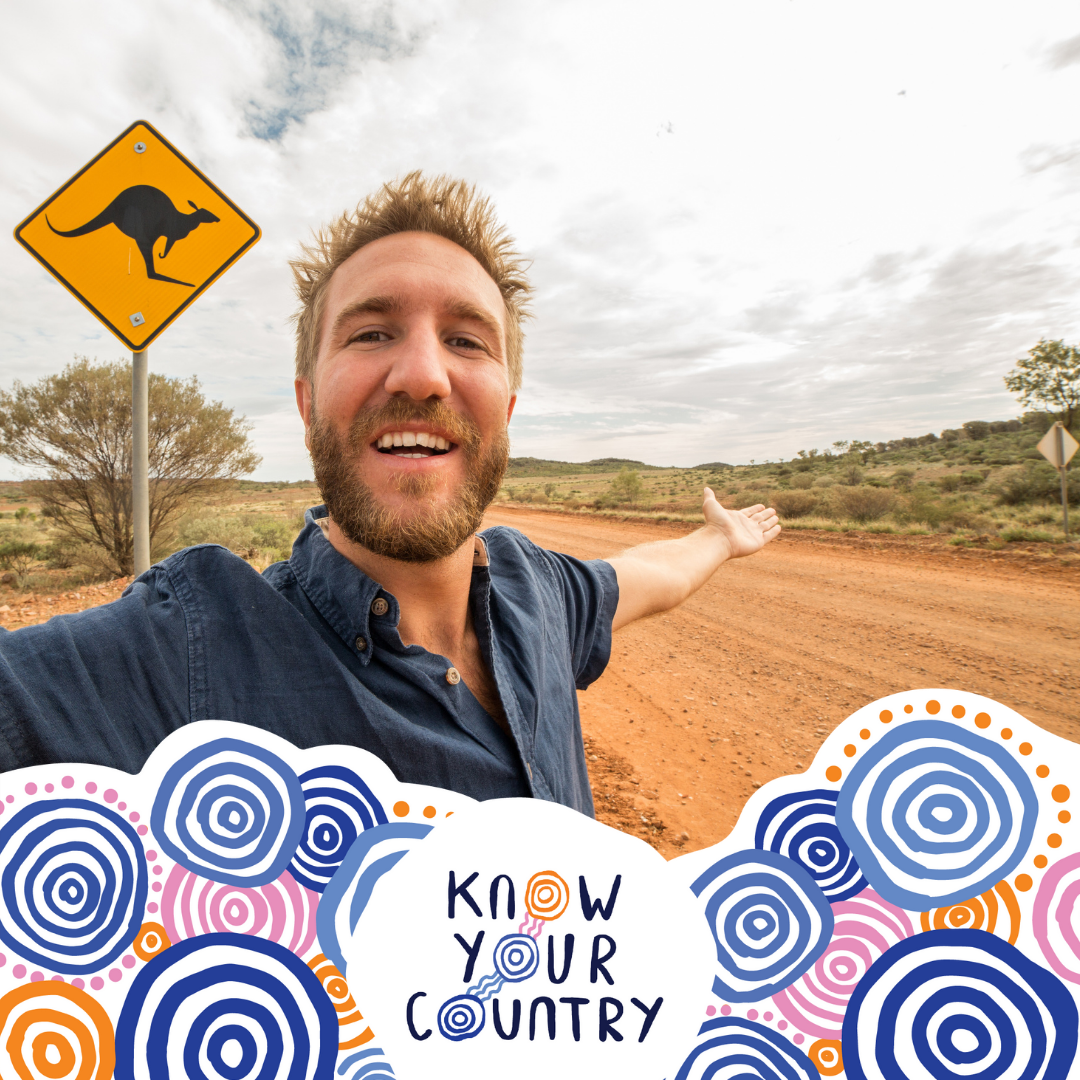
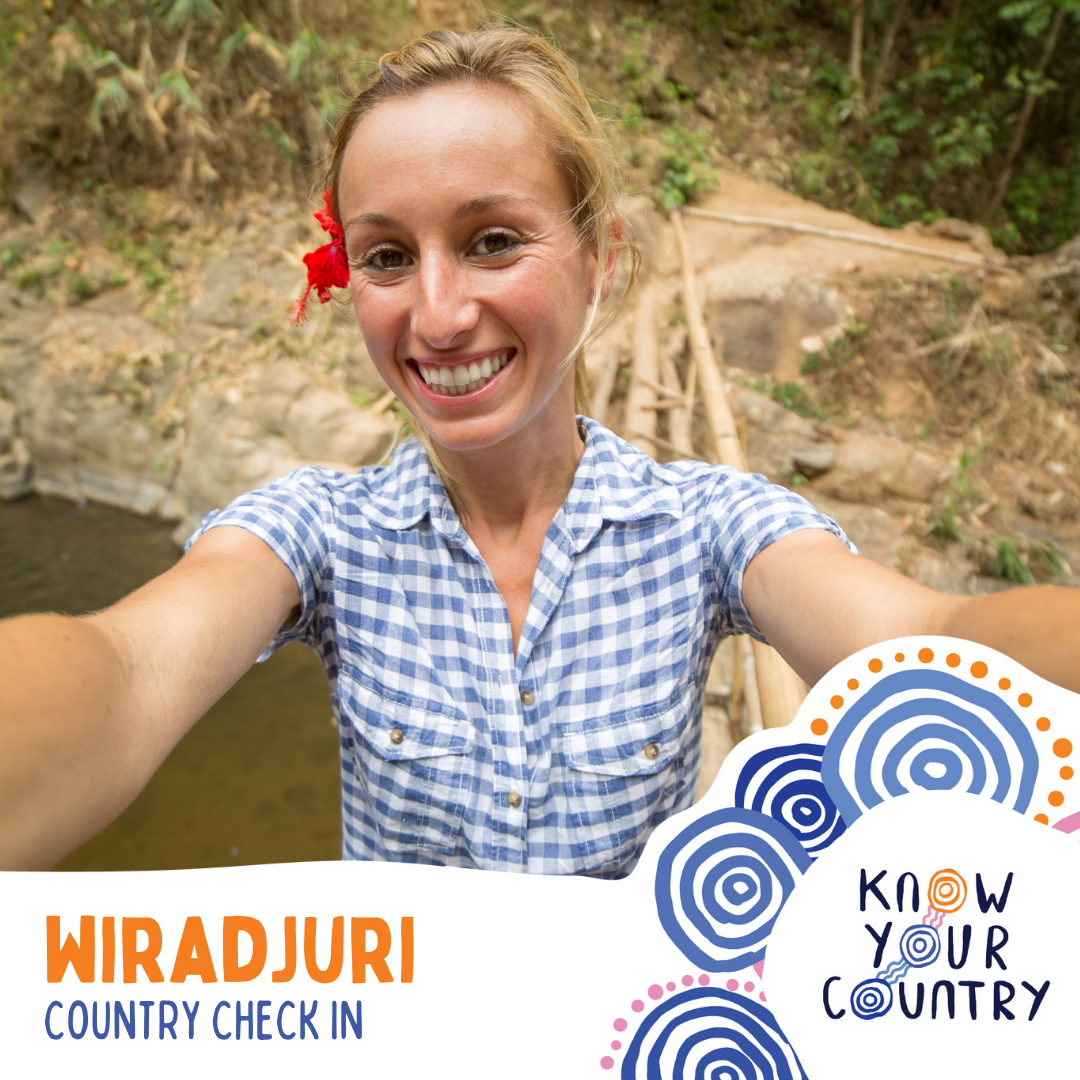
Add yourself and the name of the First Nations Country you are on with these customisable social media frames on Canva.
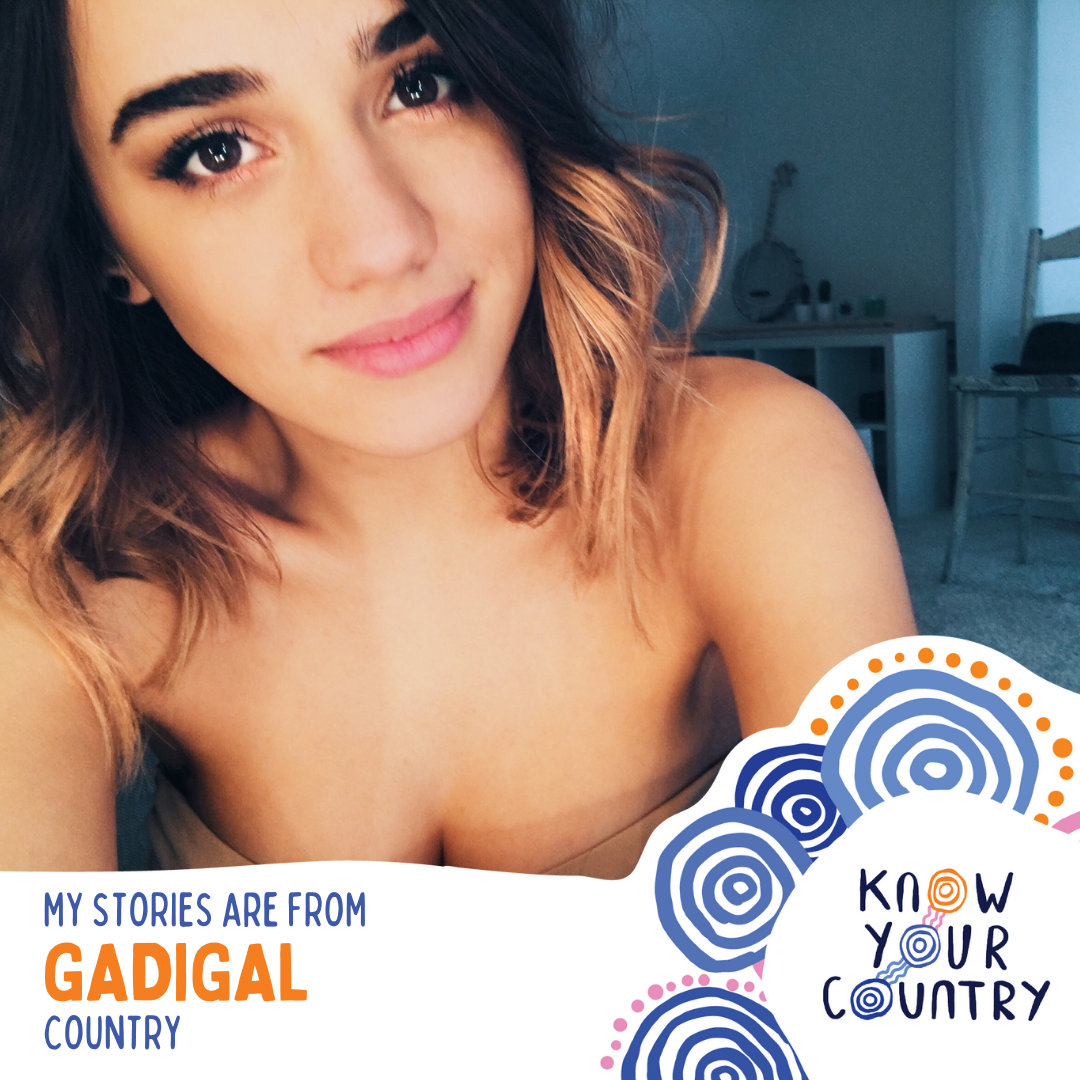
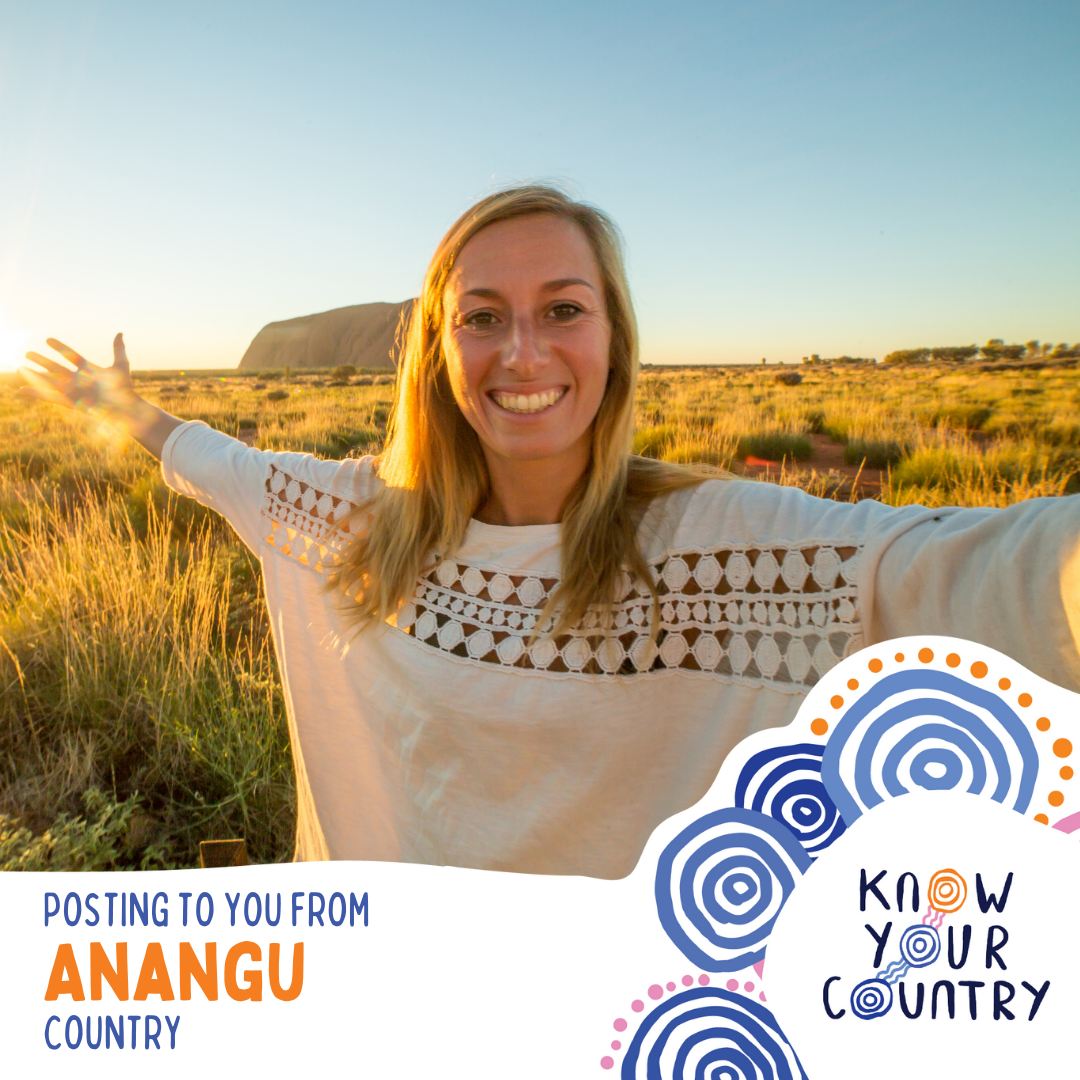
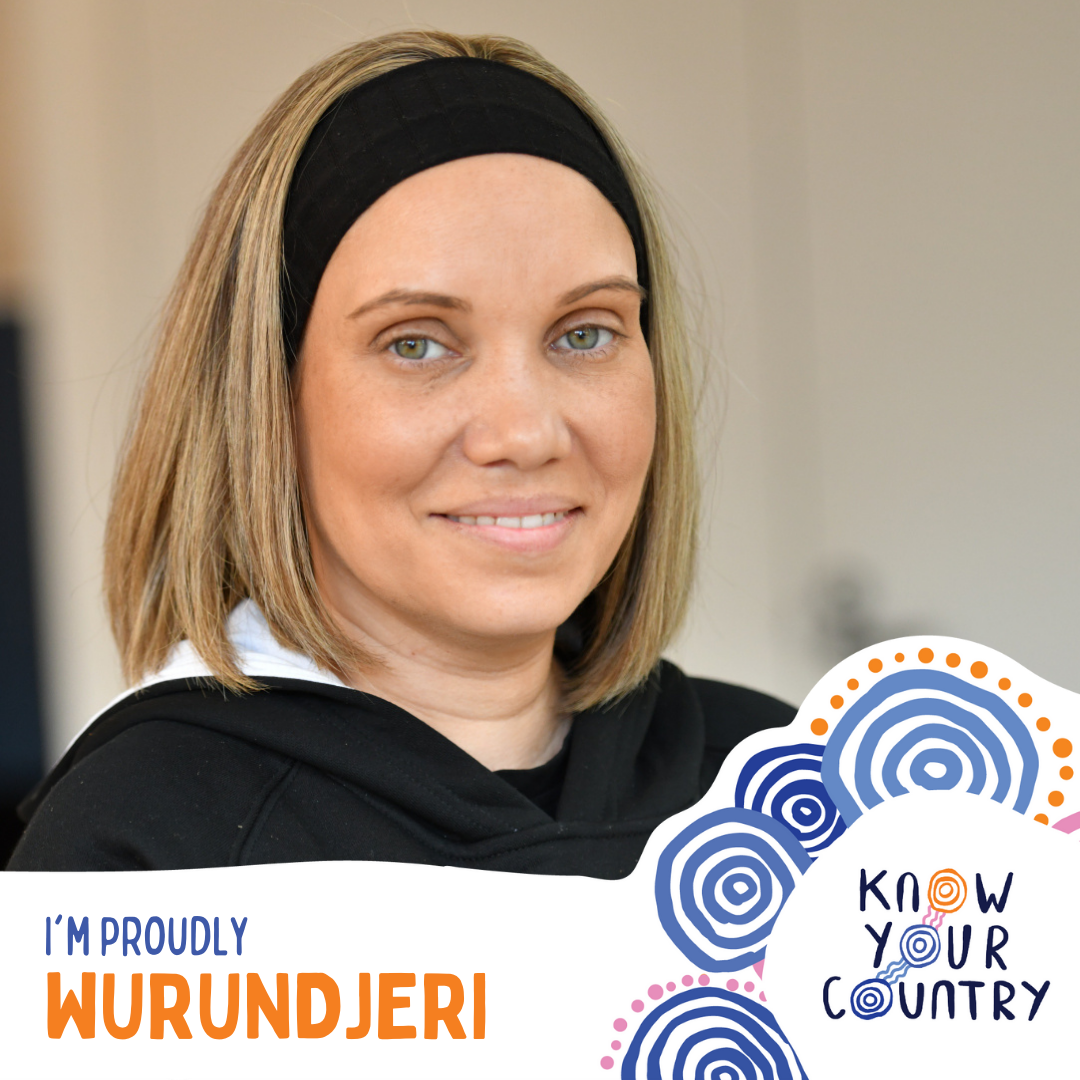
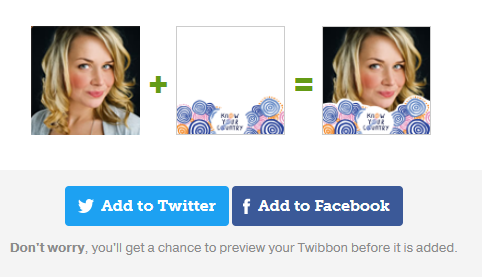
Instructions
Click on ‘Customise Yours’
You’ll be taken to Canva.com one of our allies who have provided great, pro-bono design support for this campaign
Click on the “Use Template” button
Create a free Canva account so you can customise the design - you can use your Facebook or Google Account to do this
How to customise your frame
Choose the frame you like
Double click on the guy with the yellow background and delete him
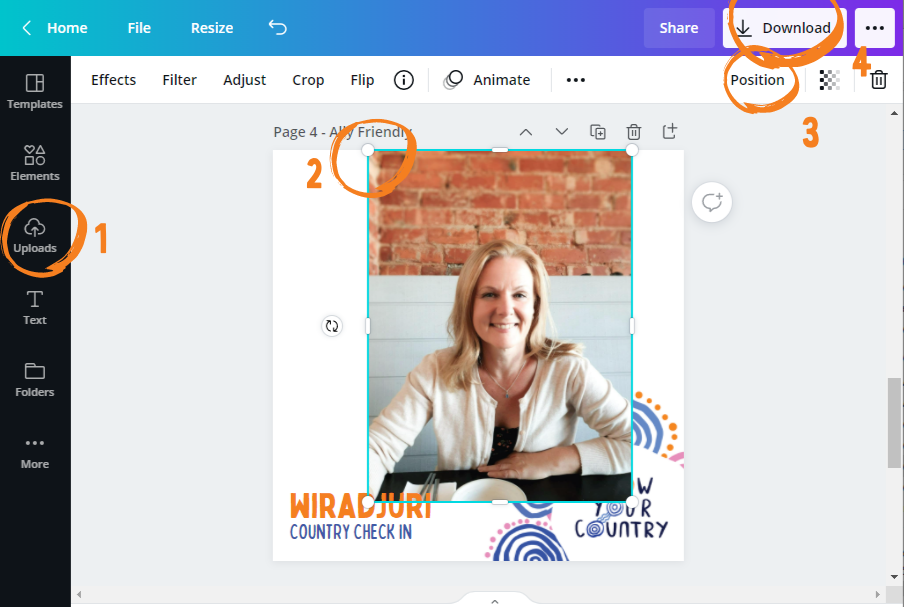
Use the menu on the left (1) to upload your own profile image
Select your image and drag it onto the frame
Adjust your image by dragging the corners until it fills the whole frame (2)
Send your image behind the frame by selecting “Position” (3) and sending it ‘Backwards’
Once you’re happy with the positioning go to the top right-hand corner and select Download (4) select .png file
Open Facebook, Instagram, TikTok, Twitter or whatever you use and change your profile picture to the one you just downloaded
Enjoy!
Please note the specific non-commercial nature of the Creative Commons License issued by First Nations designer Rachael Sarra for the Know Your Country logo. You can print or use these for personal use but you cannot alter the logo or sell them.